

Manage test cases
The Test Case page is where you organize and maintain your tests. This page covers the actions available for each test case.
Organize with priority, tags and descriptions
Section titled “Organize with priority, tags and descriptions”As a suite grows, classification keeps it searchable.
- On the Test Case tab, open Edit Test Case from the Actions pane.
- Set a priority: Critical, High, Medium or Low.
- Add tags and a description.
- Save.
You can then filter and sort test cases by priority, tag or description.
Duplicate a test case
Section titled “Duplicate a test case”Duplicating is useful when you are not sure a change will work and want to keep the original as a backup.
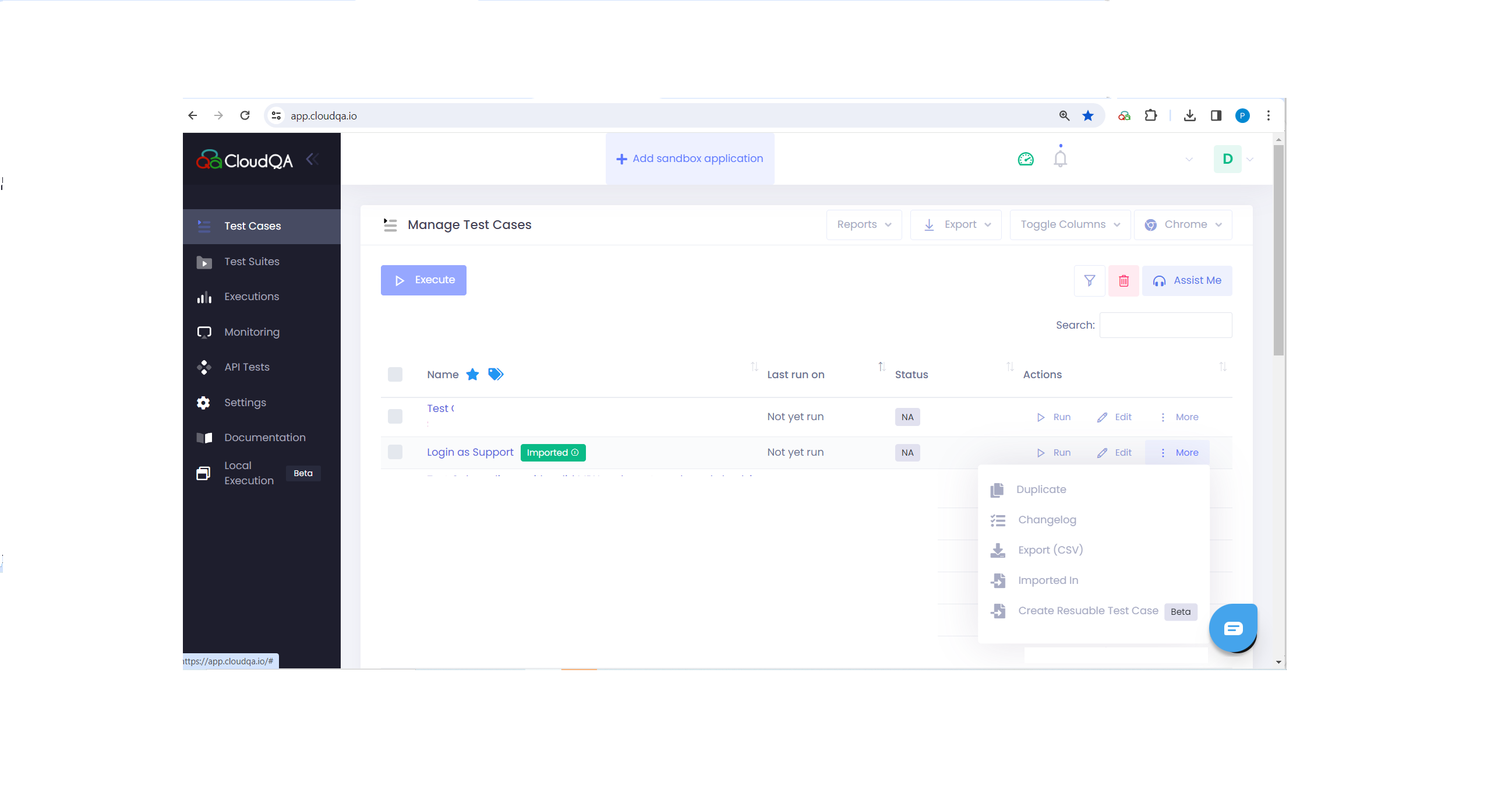
- On the Test Case page, open More in the Actions column and select Duplicate.
- Optionally rename the copy, then save.
- Make your changes to the copy and save.
Check the change log
Section titled “Check the change log”The change log records edits to a test case, such as steps added or deleted, along with who made the change and when.
Export to CSV
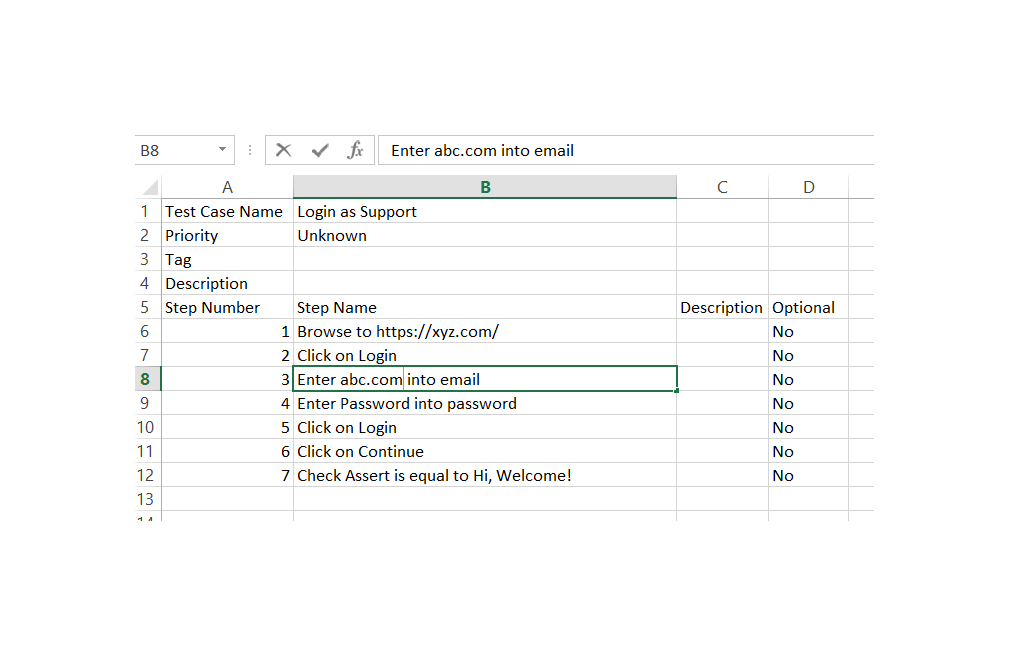
Section titled “Export to CSV”Export test cases as a CSV file to share or review scenarios outside CloudQA. The file contains:
- Test case name and description
- Tags and priority
- Step numbers and names
- Step descriptions
- The optional flag for each step
Create a reusable test case
Section titled “Create a reusable test case”Turn part of an existing test into a reusable test case. For example, from a login test you could create a reusable test that goes to the dashboard, logs out and verifies the logout.
- Open More next to the test case name and select Create Reusable Test Case.
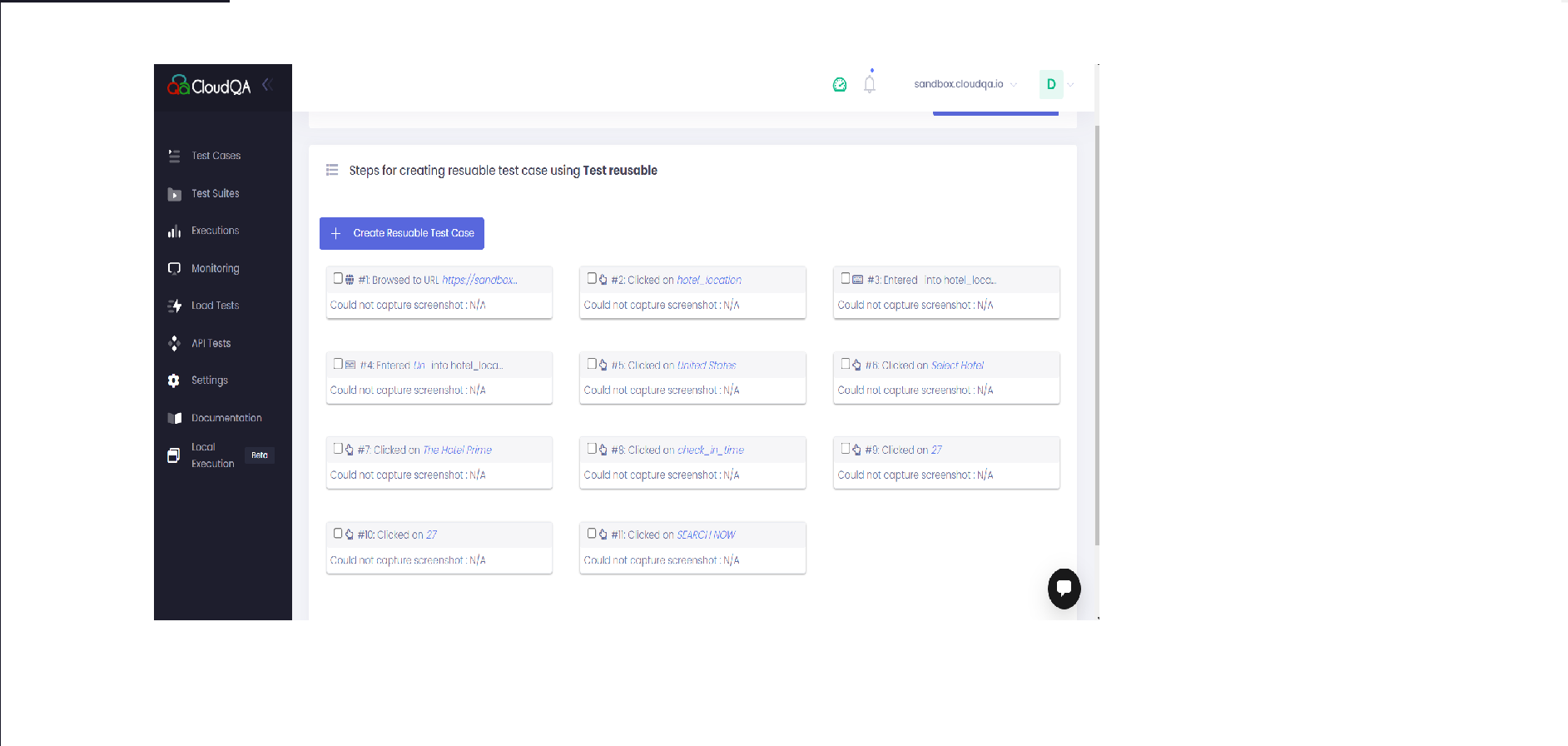
- In the window that opens, select the steps to include.
- Select Create Reusable Test Case.
- Give the new test case a clear name and save it.
To use a reusable test inside another test, see Import test cases.
See where a test case is used
Section titled “See where a test case is used”A test case that other tests import carries the imported tag. To see its dependents:
- Select a test case with the imported tag.
- Open More next to its name and select Imported in.
- A window lists every test case that imports it. For example, if test case A is imported into B, C and D, you see B, C and D.