

File upload
Use file upload steps when a flow you test needs a file, or when you want to confirm that only certain file types are accepted.
The recorder detects an upload but can’t capture the file itself. After recording, you attach the file in CloudQA.
Attach a file to an upload step
Section titled “Attach a file to an upload step”- Record a test case that includes a file upload, save it and open it for editing.
- In the edit view, find the upload step and select its upload icon.
- Browse to a file on your computer and upload it.
- Save the test case.
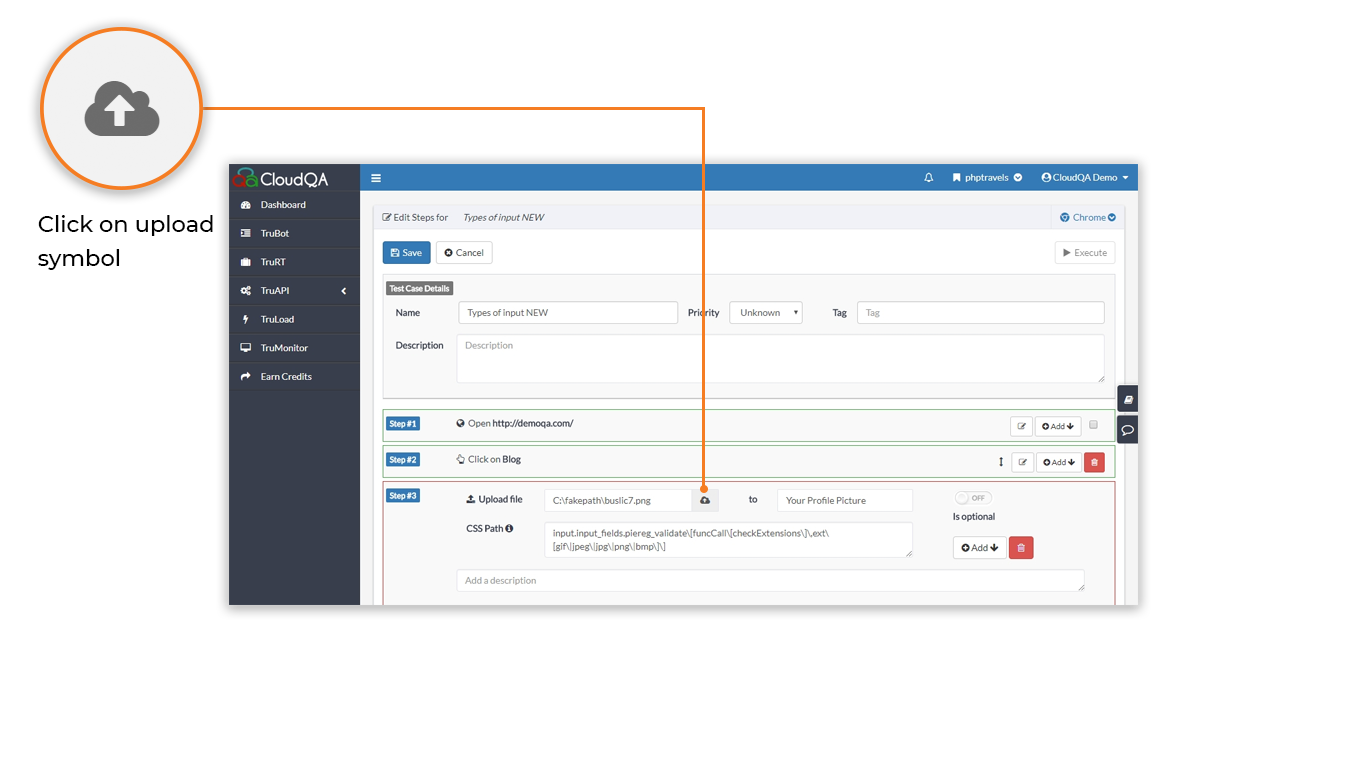
- A step that uploads a file shows an upload icon. You can’t add this step by hand.
- If you run a test without attaching the file, it fails with this error:
File upload failed due to an inaccessible file path. Edit your test case and upload the file