

User management
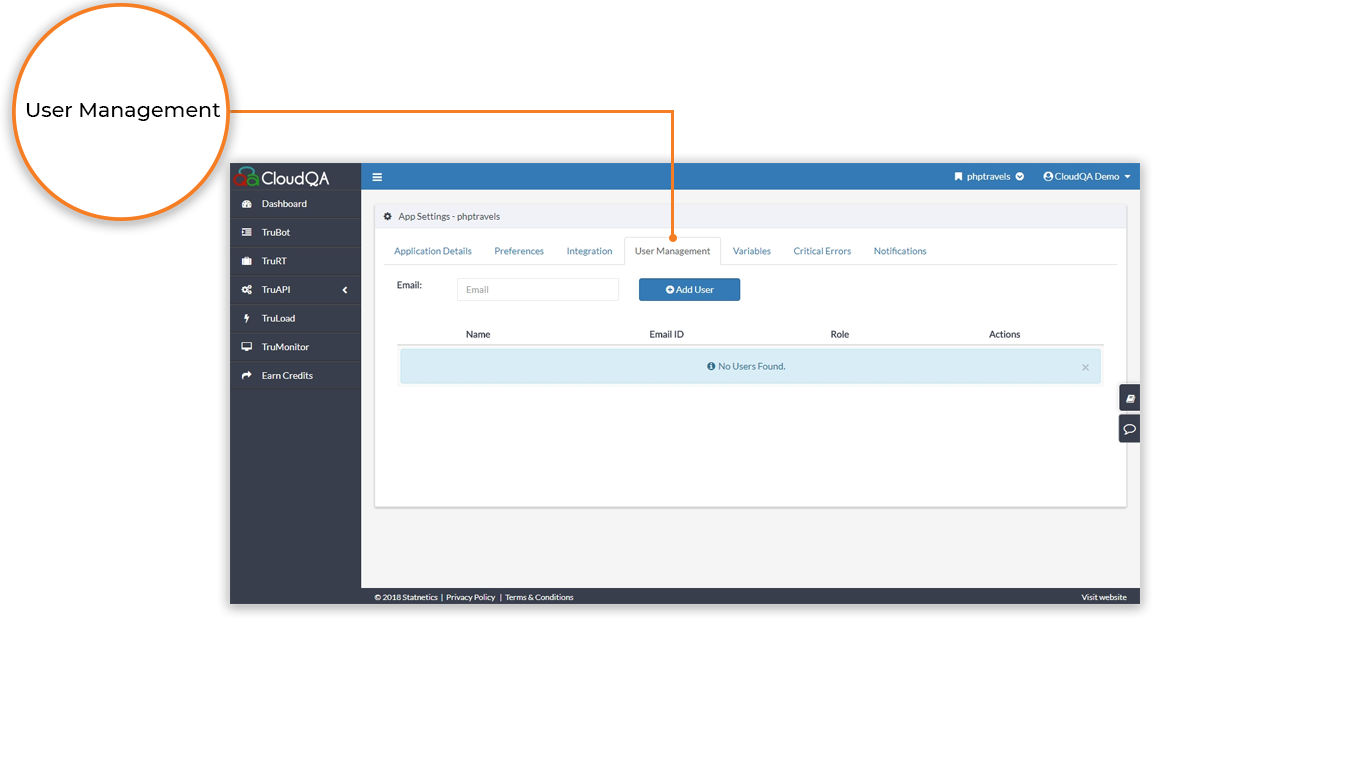
Administrators use user management to control which team members can access an application. It helps your team reach test cases and follow the progress of automated testing.
Give someone access
Section titled “Give someone access”Only accounts with Admin access can do this.
- Enter the team member’s email address. It must already be registered with CloudQA.
- Select Add user.
- Assign a permission: Admin, Moderator or User.
What each role can do
Section titled “What each role can do”| Action | Admin | Moderator | User |
|---|---|---|---|
| Create, edit and run test cases | Yes | Yes | Yes |
| Delete test cases | Yes | Yes | No |
| Add new applications | Yes | No | No |
| Add and update team members | Yes | Moderators and Users only | No |
Billing Manager
Section titled “Billing Manager”The Billing Manager owns the account and has the same privileges as an Admin. Only the Billing Manager can process payments for the CloudQA account.