Sauce Labs
Run the tests you create with CloudQA on Sauce Labs browsers.
1. Get your Sauce Labs credentials
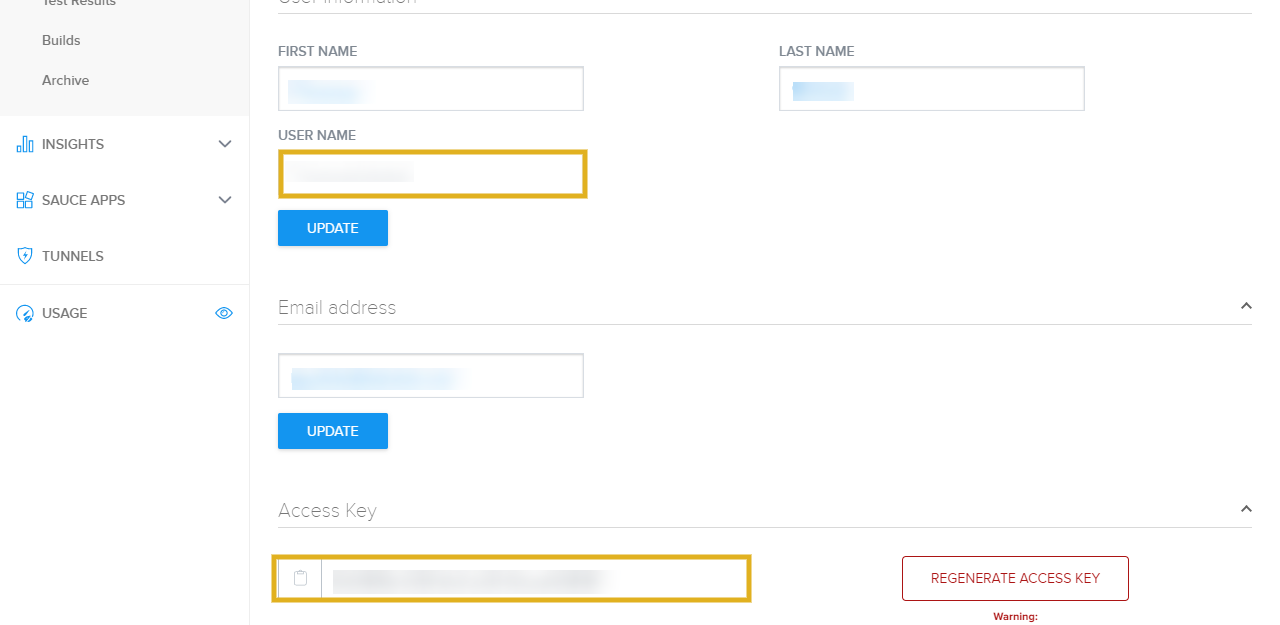
Section titled “1. Get your Sauce Labs credentials”Log in to Sauce Labs, open User Settings and copy your username and access key.
2. Connect Sauce Labs in CloudQA
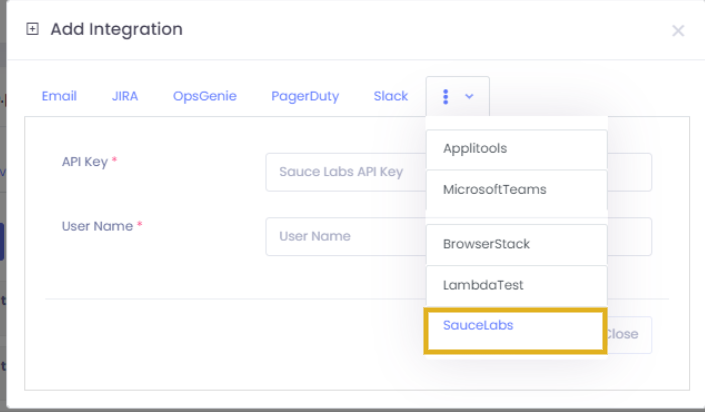
Section titled “2. Connect Sauce Labs in CloudQA”- Open Settings and go to the Integration tab.
- Select Add Integration and choose Saucelabs.
- Enter the username and access key, then save.
3. Run tests on Sauce Labs
Section titled “3. Run tests on Sauce Labs”- Open the Test Cases or Test Suites tab and select the run or scheduler option next to the test case or suite.
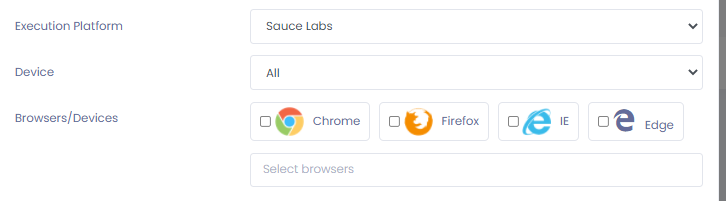
- Set Execution Platform to Saucelabs.
- Choose the devices and browsers you need.
- Select Execute.