

Run tests and review results
Every recorded test case appears on the Test Recorder page. From there you can run, edit, tag and prioritize your tests.
Run test cases
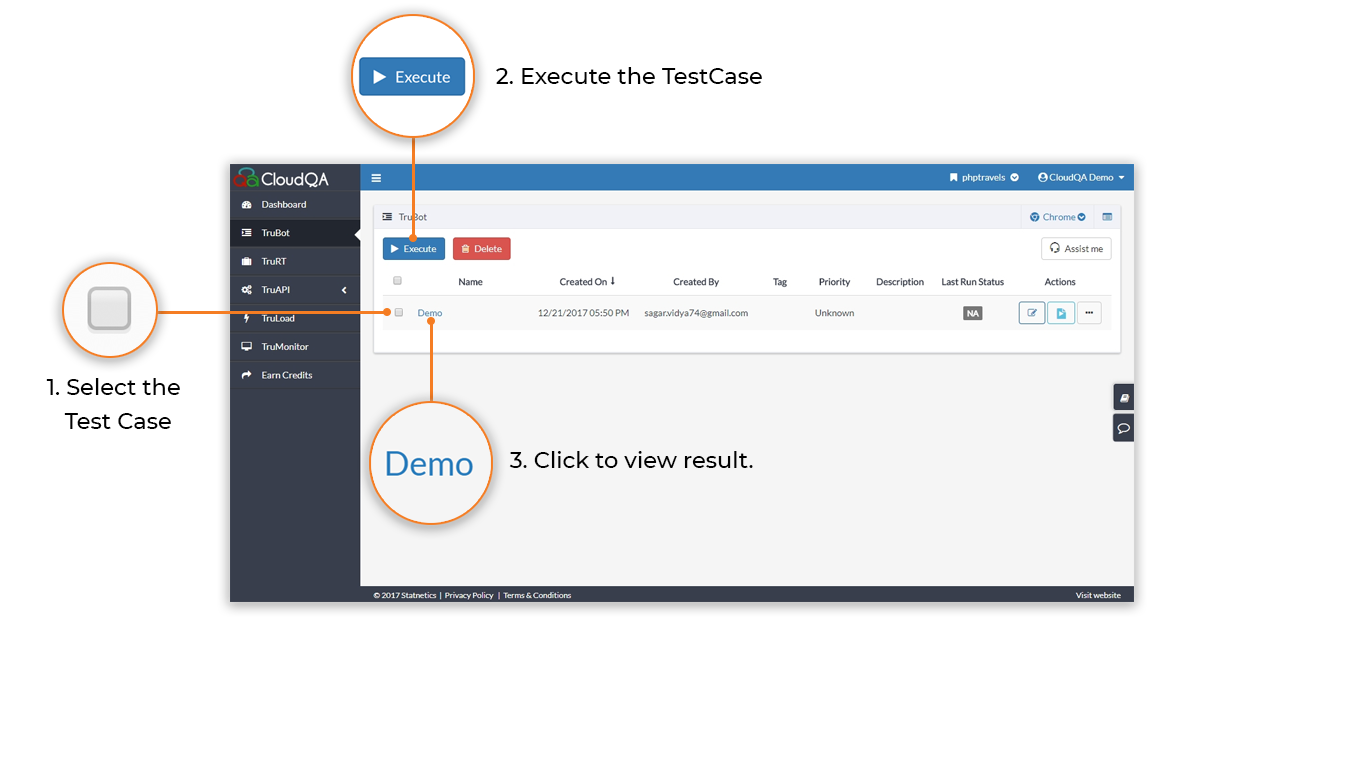
Section titled “Run test cases”- Log in and open the Test Recorder page.
- Select one or more test cases.
- Run them.
To find a test case quickly:
- Sort: select a column header to sort by that column.
- Search: enter a keyword, such as a date or part of the test case name.
View the results
Section titled “View the results”Select the test case to see its status. Each run shows whether it passed or failed, which browser it used and how long it took.
For step-by-step detail, screenshots, performance timings and downloadable reports, see Read test results.