Applitools
Applitools is a visual testing tool. Visual testing is a kind of regression test that checks that screens that were correct haven’t changed unexpectedly.
1. Get your Applitools details
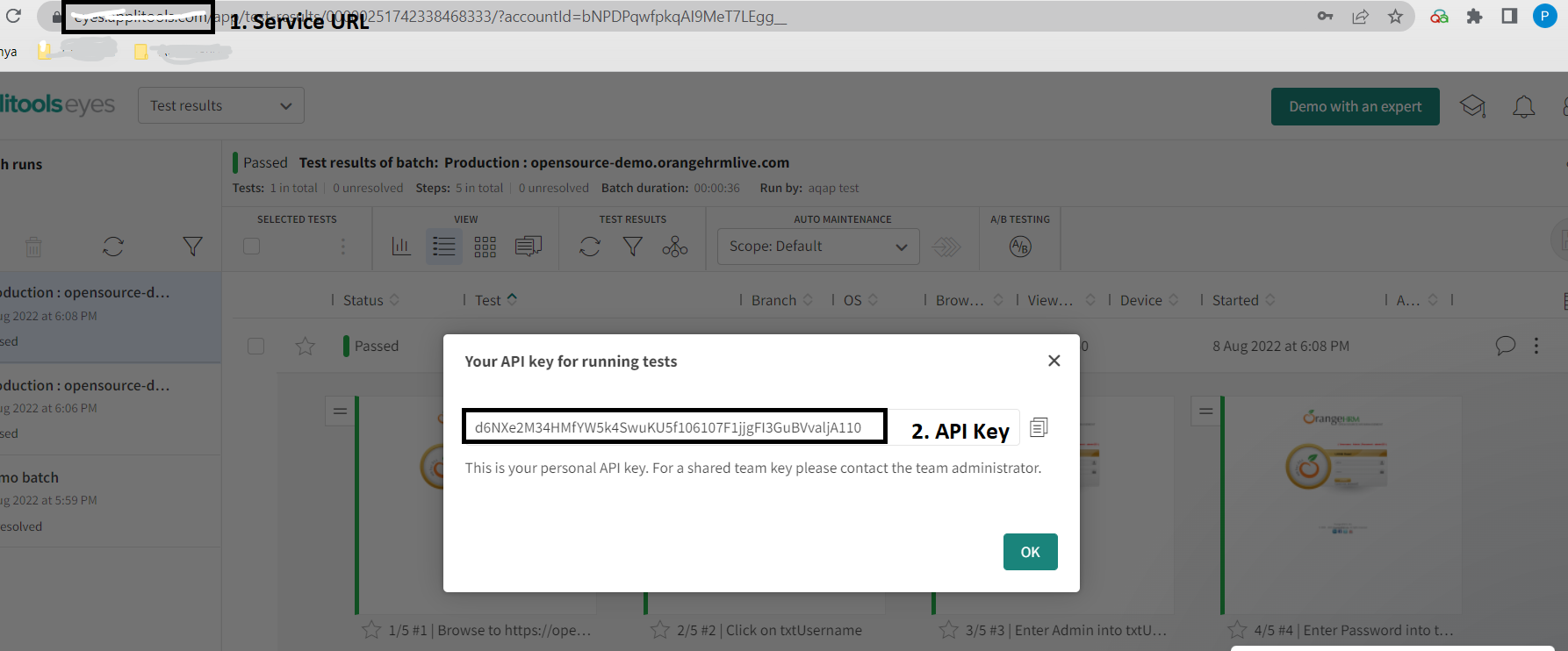
Section titled “1. Get your Applitools details”Log in to Applitools, open my api in the user menu at the top right, and copy the API key and service URL.
2. Connect Applitools in CloudQA
Section titled “2. Connect Applitools in CloudQA”- Open Settings in CloudQA and select the Integration tab.
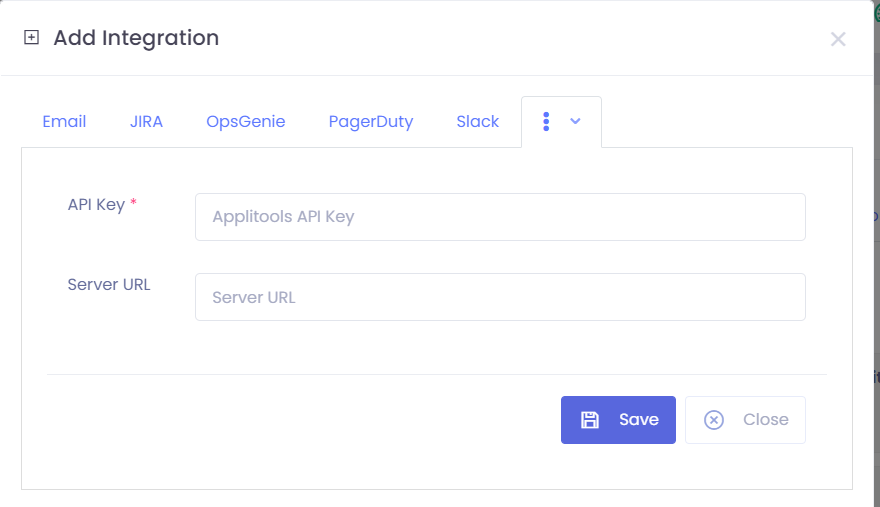
- Select Add Integration and choose applitools.
- Enter the service URL and API key, then save.
3. Run a visual test
Section titled “3. Run a visual test”- Open the Test Cases tab, select a test case and run it.
- When it finishes, open the Results page.
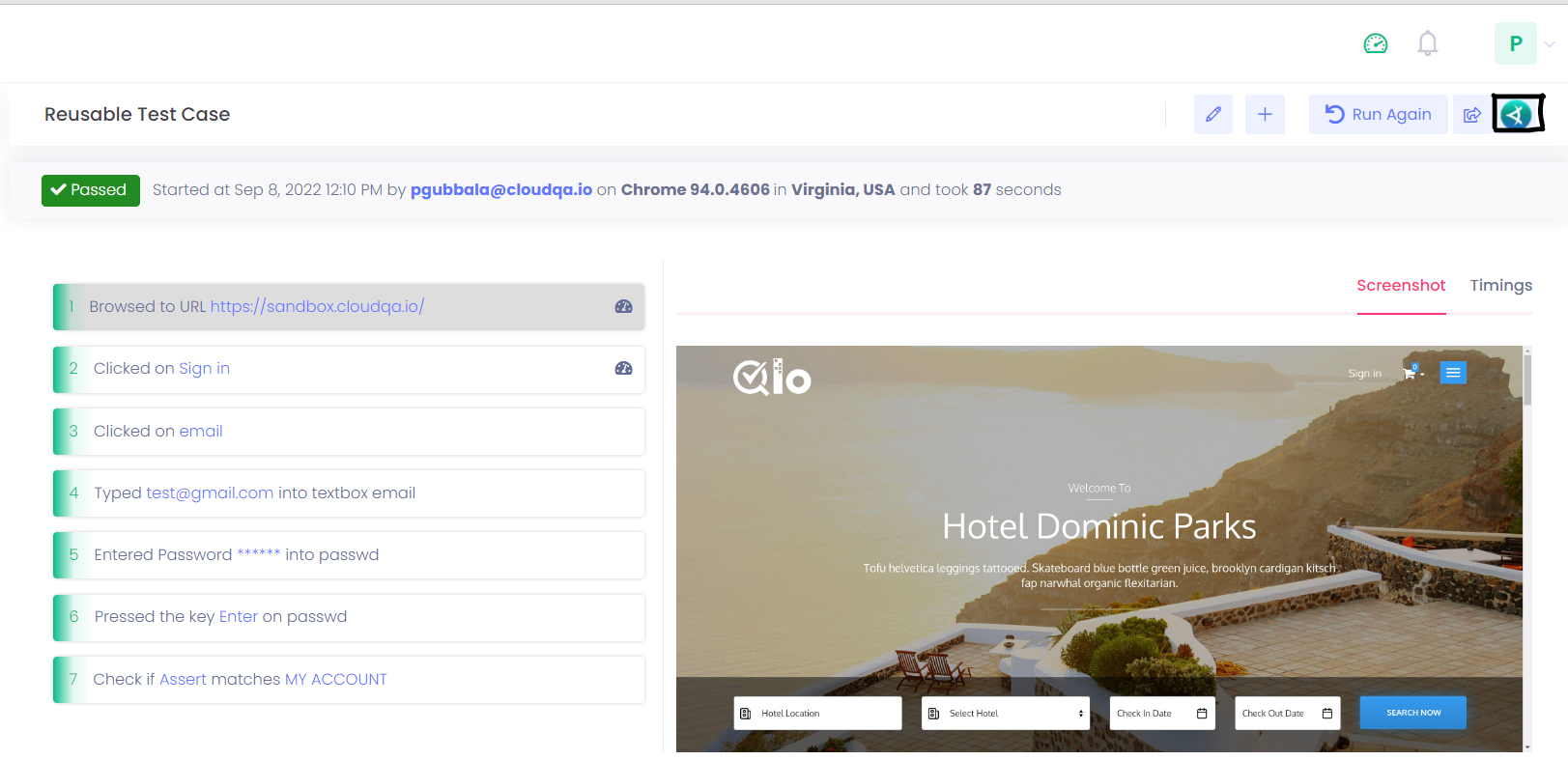
- Select the Applitools button in the top-right corner to see a visual comparison of the screenshots.